



 8%
8%Off
Details
ASUS
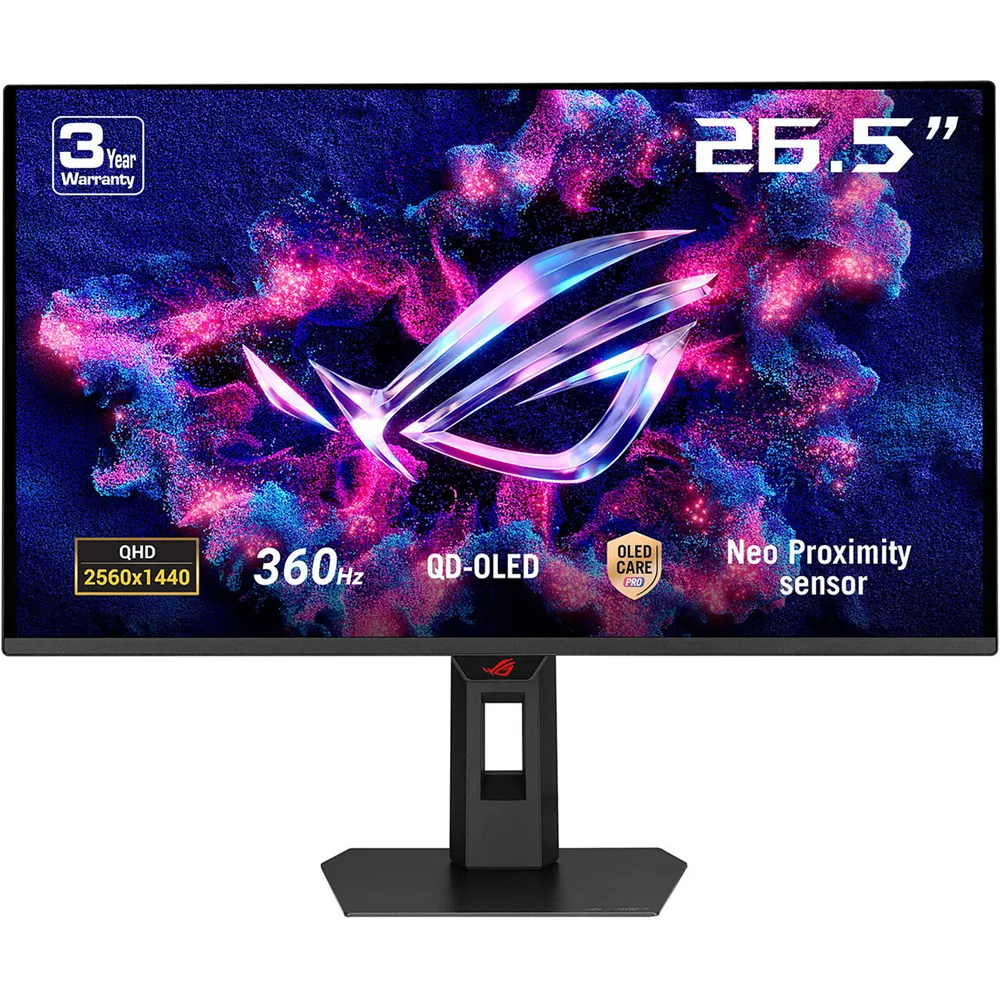
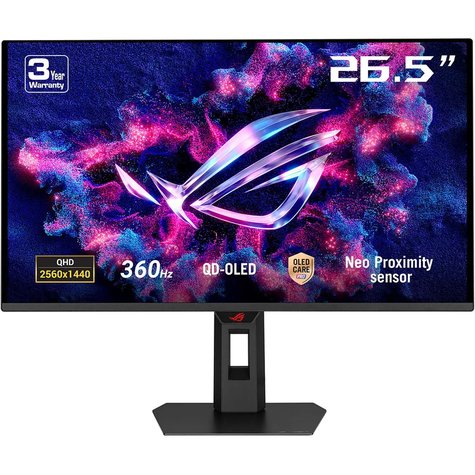
ROG Strix OLED XG27AQDNG gaming monitor ― 27-inch (26.5-inch viewable) 1440p QD-OLED, 360 Hz, 0.03ms, Neo Proximity Sensor, ASUS OLED Care Pro, ELMB, G-SYNC® compatible, 99% DCI-P3, and DisplayWidget Center
- 27-inch QHD (2560 x 1440) QD-OLED gaming monitor with 360Hz refresh rate and 0.03ms response time
- ASUS OLED Care Pro functions with Neo Proximity Sensor that precisely detects when the user is away, switching to a black screen to reduce the risk of burn-in
- VESA DisplayHDR™ 400 True Black compliance, 99% DCI-P3 gamut, true 10-bit color, and Delta E < 2 color difference for astonishing HDR performance
- Exclusive ASUS DisplayWidget Center application allows users to easily access OLED Care Pro functions and adjust monitor settings using a mouse
- ROG Gaming A.I technology with AI-powered features to enhance users’ gaming experience
ONE FOR ALL
ROG Strix OLED XG27AQDNG
The ROG Strix OLED XG27AQDNG is a 27-inch, 360Hz QHD gaming monitor. The cutting-edge QD-OLED panel offers greater longevity compared to previous OLED technologies and minimal flicker―even when frame rates fluctuate. With the addition of the Neo Proximity Sensor in the new ROG OLED Care Pro suite, the monitor transitions to a black screen when no user is detected, guarding against burn-in.
Supersmooth Visuals
Designed for discerning gamers, it offers a refresh rate of 360Hz and 0.03ms gray-to-gray (GTG) response time for supersharp and fluid visuals.
ROG OLED ANTI-FLICKER
ROG OLED ANTI-FLICKER technology minimizes onscreen flicker, enabling comfortable gaming experiences.
Refresh Rate Cap
This feature caps the monitor refresh rate to reduce onscreen flicker. The feature has been upgraded, enabling it to cover a wider refresh rate range to suit individual preferences.
Screen Protection
ASUS OLED CARE PRO
New ASUS OLED Care Pro technology provides a full set of customizable monitor settings to protect the OLED panel and ensure longevity. Plus, it includes the new Neo Proximity Sensor that detects your distance from the monitor and transitions to a black image when you’re away to safeguard the panel from burn-in. All settings can be easily managed via DisplayWidget Center.
Neo Proximity Sensor
The built-in Neo Proximity Sensor precisely detects your distance from the monitor. When you step away, the monitor transitions to a black image to protect against panel burn-in, and instantly restores onscreen content when you return. Detection distance can be customized to suit personal preference, ensuring maximum convenience and protection.
*Please ensure that the monitor sensor is properly angled and cleaned by using the included microfiber cloth before activating the detection function.
Pixel cleaning
Recalibrates the screen when the monitor has been active for several hours―a process that takes just a few minutes and activates automatically when the monitor is turned off*
*Do not unplug the power cord during this time as it will interrupt the pixel-cleaning process.
SCREEN MOVE
Pixel locations are slightly shifted periodically to help prevent burn-in, and users can choose between several movement levels.
Boundary detection
Dynamically detects the boundary of the black bars and reduces the brightness and also slightly shifts the pixel of the near borders.
SCREEN SAVER
Automatically dims the screen after two minutes of inactivity.
DisplayWidget Center
Take your monitor to the next level with DisplayWidget Center, a powerful monitor management software designed to help you optimize, personalize, and fully utilize your display via a mouse — so there’s no need to access the OSD menu. Additionally, DisplayWidget Center notifies you of the latest firmware updates and includes a direct update option. You can also import or export display configurations for sharing.
- Home
- »
- Video Games
- »
- PC Games
- »
- Gaming Monitors
- »
- ASUS 27″ ROG Strix OLED XG27AQDNG QD-OLED 360Hz 0.03ms 2K HDR400 HDMI 2.1 Gaming Monitor, Black
ASUS 26.5″ QD-OLED Panel Response Time : 0.3ms Refresh Rate (max) : 360Hz VESA DisplayHDR 400 True Black VESA AdaptiveSync Display 360Hz AMD FreeSync Premium | G-SYNC Compatible
-
Sold by
pcstore
See other items

- SKUsku_3_8205
- ShippingOODDSS Economy Delivery 1KD,
-
Delivery
Varies for items shipped from an international location
Delivery within 4 business days - CountryKuwait
- Return0 days
Details
ASUS
ROG Strix OLED XG27AQDNG gaming monitor ― 27-inch (26.5-inch viewable) 1440p QD-OLED, 360 Hz, 0.03ms, Neo Proximity Sensor, ASUS OLED Care Pro, ELMB, G-SYNC® compatible, 99% DCI-P3, and DisplayWidget Center
- 27-inch QHD (2560 x 1440) QD-OLED gaming monitor with 360Hz refresh rate and 0.03ms response time
- ASUS OLED Care Pro functions with Neo Proximity Sensor that precisely detects when the user is away, switching to a black screen to reduce the risk of burn-in
- VESA DisplayHDR™ 400 True Black compliance, 99% DCI-P3 gamut, true 10-bit color, and Delta E < 2 color difference for astonishing HDR performance
- Exclusive ASUS DisplayWidget Center application allows users to easily access OLED Care Pro functions and adjust monitor settings using a mouse
- ROG Gaming A.I technology with AI-powered features to enhance users’ gaming experience
ONE FOR ALL
ROG Strix OLED XG27AQDNG
The ROG Strix OLED XG27AQDNG is a 27-inch, 360Hz QHD gaming monitor. The cutting-edge QD-OLED panel offers greater longevity compared to previous OLED technologies and minimal flicker―even when frame rates fluctuate. With the addition of the Neo Proximity Sensor in the new ROG OLED Care Pro suite, the monitor transitions to a black screen when no user is detected, guarding against burn-in.
Supersmooth Visuals
Designed for discerning gamers, it offers a refresh rate of 360Hz and 0.03ms gray-to-gray (GTG) response time for supersharp and fluid visuals.
ROG OLED ANTI-FLICKER
ROG OLED ANTI-FLICKER technology minimizes onscreen flicker, enabling comfortable gaming experiences.
Refresh Rate Cap
This feature caps the monitor refresh rate to reduce onscreen flicker. The feature has been upgraded, enabling it to cover a wider refresh rate range to suit individual preferences.
Screen Protection
ASUS OLED CARE PRO
New ASUS OLED Care Pro technology provides a full set of customizable monitor settings to protect the OLED panel and ensure longevity. Plus, it includes the new Neo Proximity Sensor that detects your distance from the monitor and transitions to a black image when you’re away to safeguard the panel from burn-in. All settings can be easily managed via DisplayWidget Center.
Neo Proximity Sensor
The built-in Neo Proximity Sensor precisely detects your distance from the monitor. When you step away, the monitor transitions to a black image to protect against panel burn-in, and instantly restores onscreen content when you return. Detection distance can be customized to suit personal preference, ensuring maximum convenience and protection.
*Please ensure that the monitor sensor is properly angled and cleaned by using the included microfiber cloth before activating the detection function.
Pixel cleaning
Recalibrates the screen when the monitor has been active for several hours―a process that takes just a few minutes and activates automatically when the monitor is turned off*
*Do not unplug the power cord during this time as it will interrupt the pixel-cleaning process.
SCREEN MOVE
Pixel locations are slightly shifted periodically to help prevent burn-in, and users can choose between several movement levels.
Boundary detection
Dynamically detects the boundary of the black bars and reduces the brightness and also slightly shifts the pixel of the near borders.
SCREEN SAVER
Automatically dims the screen after two minutes of inactivity.
DisplayWidget Center
Take your monitor to the next level with DisplayWidget Center, a powerful monitor management software designed to help you optimize, personalize, and fully utilize your display via a mouse — so there’s no need to access the OSD menu. Additionally, DisplayWidget Center notifies you of the latest firmware updates and includes a direct update option. You can also import or export display configurations for sharing.
You may also like

Anker Soundcore Life 2 Neo Over Ear Wireless Bluetooth Headphones - Black
- 69.82 USD
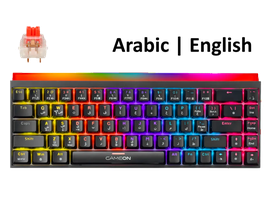
GameOn PRIMEX Series MK260RS 60% RGB Mechanical Wired Gaming Keyboard with Customization Software, Red Switch – English/Arabic
- 32.47 USD
 7%
7%Off
Alfa Gaming PC Bundle 1981, Intel i7-14700F, 8GB RTX5060, 16GB RAM, 1TB SSD, Sharx 27″ B27F144I, HP Encoder, GM300, Huntkey GX750A, W11Pro
- 1607.40 USD
- 1509.98 USD
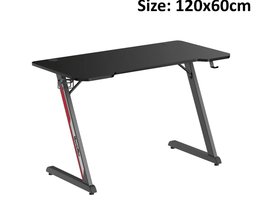
GamerTek Z Shaped Gaming Desk Table, 120cm Black
- 77.93 USD
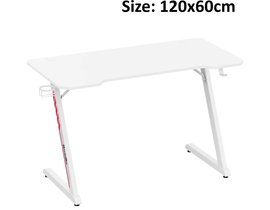
GamerTek Z Shaped Gaming Desk Table, 120cm White
- 81.18 USD
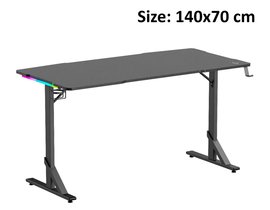
GamerTek Alpha Pro Gaming Desk Table with RGB Lighting, 140cm Black
- 152.62 USD
 8%
8%Off
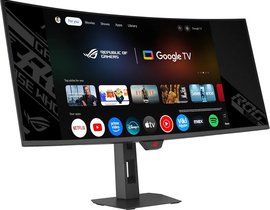
ASUS 34″ ROG Strix OLED XG34WCDMTG Curved QD-OLED 240Hz 0.03ms with Smart Google TV WiFi 6 HDR USB-C 90W KVM HDMI 2.1 Gaming Monitor
- 1250.20 USD
- 1162.52 USD
 7%
7%Off
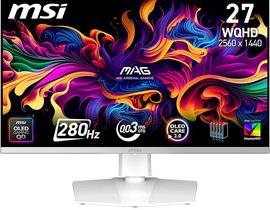
MSI 27″ MAG 272QPW QD-OLED X28 2K 280Hz 0.03ms HDR400 HDMI 2.1 Rotatable Adjustable Gaming Monitor, White
- 974.18 USD
- 909.24 USD
ASUS SL302 ROG Courser Racing Style Gaming Chair – Black, 136kg
- 867.02 USD
 5%
5%Off
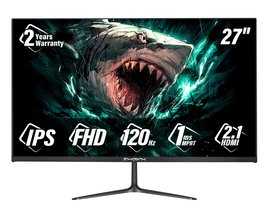
Sharx 27″ Bite B27F120I 120Hz 1ms HDMI 2.1 IPS FHD Speaker Gaming Monitor
- 139.63 USD
- 133.14 USD